Little Panda's Restaurant
- 4.4
- Rating
- 100.00M
- Installs
- Free
- Price

 Analysis by App-foxy
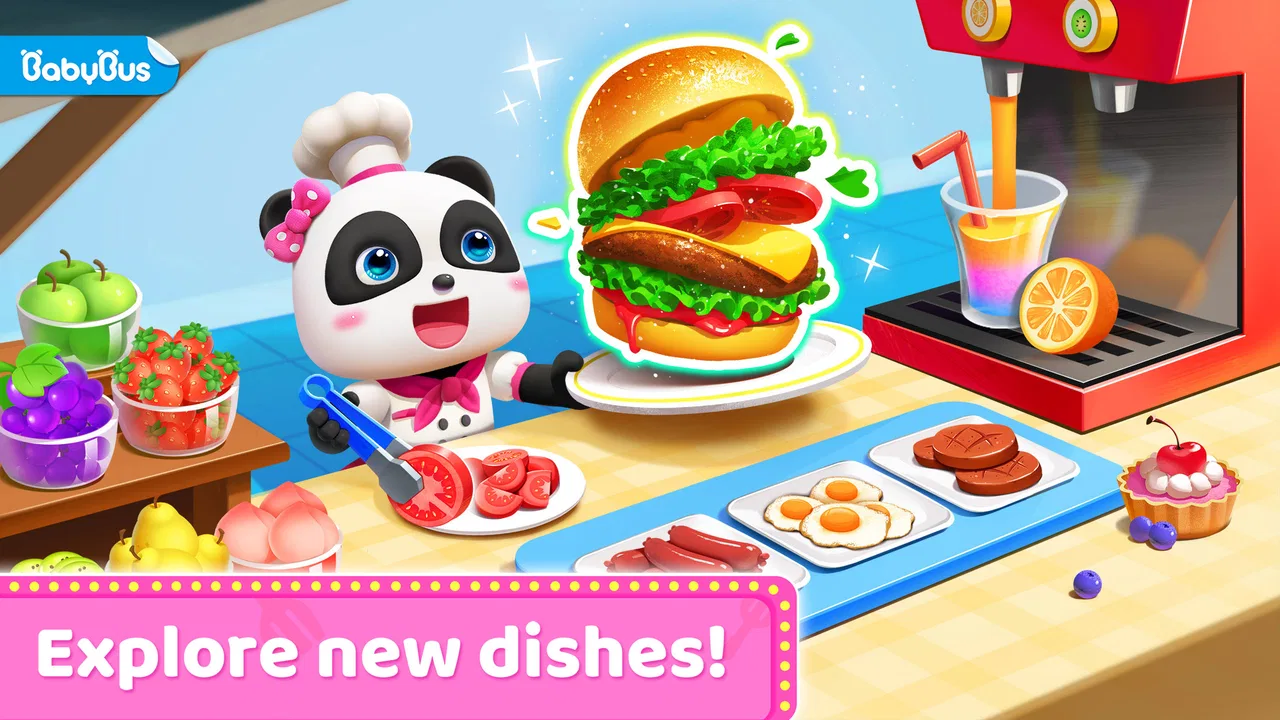
Little Panda’s Restaurant is the kind of game that wins children over quickly: it turns the familiar idea of cooking into a bright, simple activity led by BabyBus’s little panda character. I spent time looking at how it works beyond the first few cheerful sessions, and my main impression is that it is best understood as a gentle educational cooking game, not as a deep restaurant-management simulation. That distinction matters when deciding whether it deserves a permanent place on a child’s device.
The basic appeal is easy to understand. The player takes the role of a chef and runs a small restaurant, preparing food through playful interactions rather than complicated menus or demanding strategy. The game is free to download, aimed at Everyone, and supported by optional in-app purchases priced from $1.99 to $4.99 per item. That makes it approachable for families who want to try it before spending anything, although adults should still check purchase settings before handing over a device.
What the first week feels like
During the first few sessions, the game has a reassuring rhythm. A child can move from choosing ingredients to completing cooking actions without needing to understand a long tutorial or a dense set of rules. The restaurant theme gives each activity a clear purpose: food is not being prepared in isolation, but as part of a small make-believe business. For younger players, that context can make ordinary taps and gestures feel more meaningful.
You May Also Like

 AccuWeather: Weather Radar
AccuWeather Review: A Quick, Clear Forecast for Everyday Decisions
For everyday plans, the best forecast is the one you can understand quickly. AccuWeather makes rain timing, radar, and local conditions easy to act on, with a few trade-offs.

 Hill Climb Racing
Why Hill Climb Racing Still Turns Crashes Into One More Run
A tiny car, a bumpy hill and one more upgrade: Hill Climb Racing keeps resurfacing because its simple chaos makes every near-miss feel personal.

 AliExpress - Shopping App
AliExpress Makes Global Shopping Feel Personal, but Shoppers Bear the Risk
AliExpress turns a global marketplace into a pocket-sized discovery engine. Its reach is useful, its shopping loop compelling, and its trade-offs easy to miss.

 Lords Mobile: Kingdom Wars
Lords Mobile Is a Kingdom-Building Routine, Not a Quick Match
A case-by-case verdict on the building, battles, device demands, and social commitments that make Lords Mobile rewarding for some players and exhausting for others.

 PDF Scanner app - TapScanner
TapScanner Makes Paperwork Easier to Capture, Check, and Share
TapScanner makes scanning with a phone feel less like a rescue operation and more like a dependable step in getting work done. Its capture tools are useful, though not flawless.

 Block Blast!
 Shows How Much a Puzzle Game Can Leave Out
A quiet grid game shows why puzzle players increasingly value instant clarity, repeatable skill and low-pressure play—and where the genre still needs to catch up.
More From Our News Desk
View All News


I particularly like how the restaurant setting encourages children to connect steps together. They are not simply matching colors or pressing buttons for points; they are following a miniature sequence that resembles cooking. Even when the actions are simplified, the order of preparation can invite useful conversation with a parent: What should happen first? Which ingredient belongs in this dish? What happens if the food is not ready yet?
That makes it a good choice for a short after-school activity or a calm transition before bedtime, provided the child is not using the game as a substitute for sleep or shared play. A realistic routine would be letting a child complete one restaurant visit while an adult sits nearby and asks them to describe what they are making. The game supplies the prompt, while the conversation adds the learning value that a screen alone cannot provide.
The first-week appeal also comes from its low barrier to entry. A child who finds traditional educational apps too much like homework may respond better to the chef role. The colorful presentation and friendly character make the experience feel like pretend play, while the cooking theme gives it more structure than an entirely open-ended cartoon.
Still, parents should keep expectations realistic. This is not the sort of game that teaches detailed nutrition, kitchen safety, budgeting, or real culinary technique. It introduces the idea of preparing and serving food through play. That is valuable at the right age, but it should not be mistaken for a complete cooking lesson.
Why children may return after the novelty
The strongest reason to revisit the game is role-play. Children often enjoy repeating familiar actions when they can change the story around them, and a restaurant gives them a natural setting for that repetition. One session can focus on being the chef; another can become a pretend customer interaction or a conversation about which meal sounds appealing.
For adults, the useful trick is to avoid presenting it as a fixed lesson. Instead of asking whether the child has “finished” the game, I would use it as a starting point for small real-world activities. After playing, a child might help wash fruit, arrange safe ingredients, or draw a menu. Those extensions make the digital restaurant feel less disposable and help prevent the experience from becoming a sequence of empty taps.
Another practical strength is its suitability for children who are still building confidence with mobile controls. The game’s central idea is immediately understandable, so the child can concentrate on the activity instead of navigating an elaborate interface. That can be helpful on a shared family phone or tablet, especially when an adult wants something more purposeful than a general video app.
On the other hand, children who already expect complex progression, competitive challenges, or a large variety of strategic choices may lose interest quickly. The restaurant theme sounds broader than the likely depth of the play itself. I would recommend it more confidently for younger children who enjoy imitation and repetition than for older children looking for a serious management game.
Does it keep its value from month to month?
Long-term value depends less on constant new content and more on how the family uses it. As a standalone game, the experience may become familiar once the child understands the main cooking routine. That is not automatically a flaw; repetition can support learning for younger players. But it does mean the app needs a place in a broader routine rather than being treated as an endlessly refreshing source of entertainment.
My preferred approach would be to keep sessions occasional and purposeful. For example, a parent could bring it out on weekends before preparing a simple family snack, then ask the child to compare the game’s pretend process with what happens in the kitchen. This gives the app recurring value without requiring the child to play every day. It also turns the restaurant theme into a bridge between screen activity and practical observation.
The game can work particularly well for children who enjoy pretend professions. The chef role offers a clear identity, and that can be more engaging than an abstract puzzle. It may also suit siblings or an adult and child sharing a device, because the cooking premise naturally invites taking turns and narrating choices. The experience is less compelling for someone who wants measurable academic progression or a structured curriculum.
Compared with a conventional puzzle app, this game has more imaginative context but may offer less variety in the type of thinking required. Compared with a video, it gives the child something to do rather than merely watch, although it still needs supervision and limits. Compared with a real cooking activity, it is cleaner, easier to start, and safer for independent exploration, but it cannot provide the sensory learning of touching ingredients, smelling food, or understanding heat.
That comparison helps clarify its proper role. I would not replace a hands-on activity with it when an adult has time to cook together. I would use it when the family needs a short, accessible activity that keeps the cooking theme alive without the preparation and cleanup of a real kitchen session.
Small habits that improve repeat play
One useful habit is to ask the child to predict the next step before tapping. This changes the experience from reaction to sequencing and can reveal whether the child understands the activity or is simply following visual prompts. Another is to let the child explain why a dish is ready, which encourages observation and language without turning the session into a test.
I also recommend rotating the surrounding conversation rather than expecting the game itself to provide endless novelty. One day, discuss ingredients; another day, talk about serving customers politely; another time, compare the pretend restaurant with a café the family has visited. These simple variations make repeated play feel less mechanical.
Adults should also decide in advance whether purchases are allowed. Because the game is free but includes optional items costing $1.99 to $4.99 each, a child may encounter paid content during exploration. The safest routine is to make the purchasing rule clear before play and keep payment approval with the adult. That is not a criticism unique to this game, but it is an important part of maintaining a child-friendly setup.
How much maintenance does it require?
The maintenance burden is fairly ordinary for a children’s mobile game, but the real work is parental rather than technical. An adult needs to choose suitable session limits, monitor whether the child is still engaged, and make sure the game does not become the default answer to boredom. The restaurant theme can encourage imaginative play, yet any app can become passive if it is offered without boundaries.
The game is free, which lowers the commitment involved in trying it. It comes from BabyBus, a developer known for children’s titles, and its broad audience is reflected in an Everyone content rating. It first appeared on January 13, 2017, and the current version is 8.75.00.00, so it is not a brand-new experiment. Its continued presence is also visible in its scale: it has passed 100 million installs and holds a 4.1 average from around 233 thousand ratings.
Those figures suggest that the concept has reached a large audience, but popularity should not be confused with a perfect fit for every child. A high install count cannot tell me whether a particular child will enjoy repeating cooking actions, and an average rating cannot replace watching how the child responds. I would treat the game as easy to test, not as an automatic recommendation for every family.
Device compatibility is another practical point. The game requires Android 6.0 or later, which covers many older devices but not every phone or tablet still in use. Before planning around it, I would check the device rather than assuming that a child’s hand-me-down hardware will run it. A smooth, responsive screen matters more for younger players because frustrating controls can quickly overshadow the educational purpose.
Maintenance also includes knowing when to remove it. If the child stops talking about the restaurant, avoids the cooking activities, or opens it only to reach paid items, the app may no longer be earning its space. Keeping every children’s game installed “just in case” creates clutter and makes it harder to notice which apps genuinely support the family’s routine.
Where the friction appears
The first source of fatigue is repetition without enough personal choice. A simplified cooking loop is inviting at the beginning, but it can feel predictable once the child knows what will happen. Younger children may enjoy that predictability longer than older ones, so age alone is not the only factor; the child’s tolerance for repeated pretend play matters more.
A second issue is the gap between the title and the depth some parents may imagine. Running a restaurant sounds as though it might include staffing, money, planning, or customer management. I would not choose this game for those systems. Its value is in accessible chef role-play and basic sequencing, not in teaching the full complexity of operating a business.
A third point is that the educational benefit is easy to overstate. The game can support vocabulary, ordering, pretend play, and conversations about food, but those benefits depend on how actively the child engages. Left entirely alone, the child may focus on completing actions rather than thinking about them. That is why a short question from an adult can make a noticeable difference.
There is also the usual tension between a free download and optional purchases. Even when a family never buys anything, the presence of paid items can affect how a child explores the app. I would not describe that as a reason to reject the game outright, but it is a reason to set up purchase controls and explain clearly that not every visible option is available.
Finally, children who prefer reading-heavy educational activities, open-ended building, or challenging puzzles may find the game too light. In those cases, a more focused learning app or a hands-on activity would probably deliver better long-term value. The right question is not whether this is a good game in isolation, but whether its style matches the child’s way of learning and playing.
My long-term verdict
After the initial excitement fades, Little Panda’s Restaurant remains worthwhile as an occasional, guided activity for younger children who like pretend cooking. Its lasting strength is not unlimited variety; it is the clarity of its role. The child becomes a chef, follows a simple food-related routine, and can use that scenario to practice sequencing and conversation.
Its best long-term use is as a small prompt for shared play, not as a complete learning program. That is the trade-off I would explain to a friend. If an adult is willing to connect the digital restaurant with real food, storytelling, or turn-taking, the game can keep finding a place in the family routine. If the expectation is that the app will remain exciting on its own for months of daily play, disappointment is more likely.
I would recommend trying it for a child who enjoys BabyBus-style characters, role-play, and simple interactive tasks. It is also a sensible option for families wanting a free starting point before committing to a paid educational game. The Everyone rating makes it broadly approachable, while the Android requirement of 6.0 or later is worth checking before installation.
I would skip it for an older child seeking strategy, competition, or detailed restaurant simulation. I would also look elsewhere if the family wants a structured course with clear academic objectives, or if screen time is already crowded with similar tap-and-repeat games. In those situations, a real cooking project, a deeper puzzle title, or a more focused educational tool would be a better use of the same time.
Overall, I see Little Panda’s Restaurant as a friendly and accessible game with a clear place in a young child’s app collection, as long as that place is intentional. It earns lasting space when it supports conversation and imaginative play; it loses that claim when it becomes unattended repetition. For a free educational game from BabyBus, that is a fair result: easy to try, pleasant in short sessions, and most valuable when a family adds the meaning around the screen.
FAQs for Little Panda's Restaurant
01What age group is Little Panda's Restaurant suitable for?
Little Panda's Restaurant is designed for children aged 3 to 8 years old. The app offers engaging and educational content that encourages creativity and problem-solving. It's perfect for young kids who enjoy simulation games and want to learn more about cooking and restaurant management in a fun, interactive way.
02Is Little Panda's Restaurant a free app?
The app is free to download and offers a variety of features at no cost. However, there are optional in-app purchases for additional content and enhancements. These purchases are not necessary to enjoy the full experience, but they can add extra fun and customization options for those interested.
03Does Little Panda's Restaurant require an internet connection to play?
Little Panda's Restaurant can be played offline, making it a great choice for kids on the go. While an internet connection is not required for the basic gameplay, some features, such as updates or additional downloadable content, may require connectivity.
04What kind of educational benefits does Little Panda's Restaurant offer?
The app helps children develop important skills such as creativity, time management, and problem-solving. By simulating a restaurant environment, kids learn how to follow recipes, manage customer orders, and understand the basics of running a business—all while having fun in a safe, kid-friendly setting.
05Are there any parental controls in Little Panda's Restaurant?
Yes, Little Panda's Restaurant includes parental controls to ensure a safe and appropriate experience for children. Parents can manage in-app purchases and adjust settings to limit access to certain features, providing peace of mind while their kids explore and play within the app.
Pros
- Engaging and colorful graphics
- Simple and intuitive for kids
- Variety of dishes to prepare
- Promotes creativity and learning
- No in-app purchases needed
Cons
- Repetitive gameplay elements
- Limited to younger audiences
- Requires internet for updates
- Ads can interrupt gameplay
- Some tasks can be too easy

Little Panda's Restaurant
Gallery